

Scripture on screen the moment it is spoken
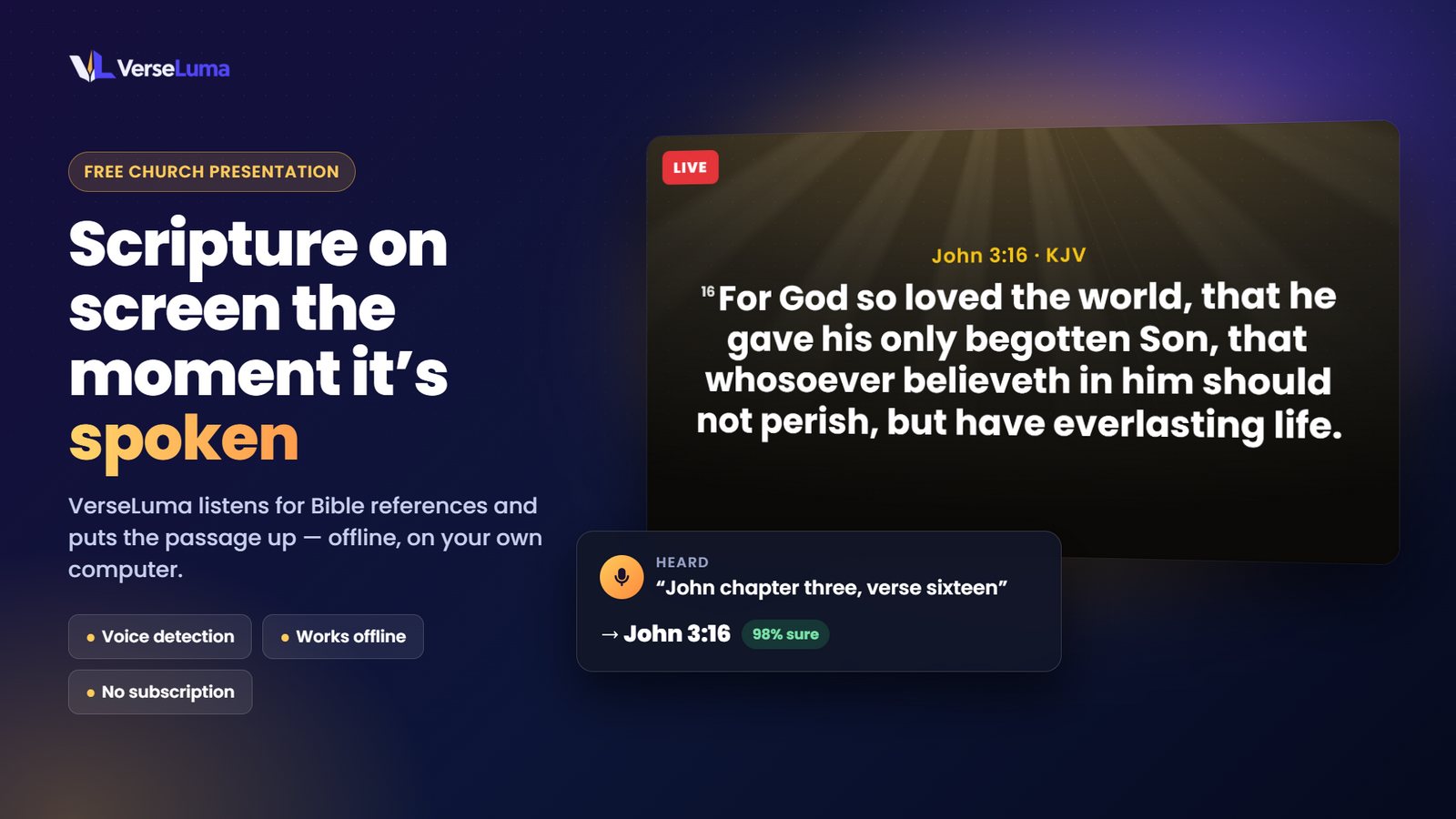
VerseLuma listens for Bible references as the preacher speaks and has the passage ready before the congregation opens their Bibles — beautifully designed, with songs, a stage display and broadcast-ready livestream graphics.
Windows 10 and 11 · Works offline · No account needed
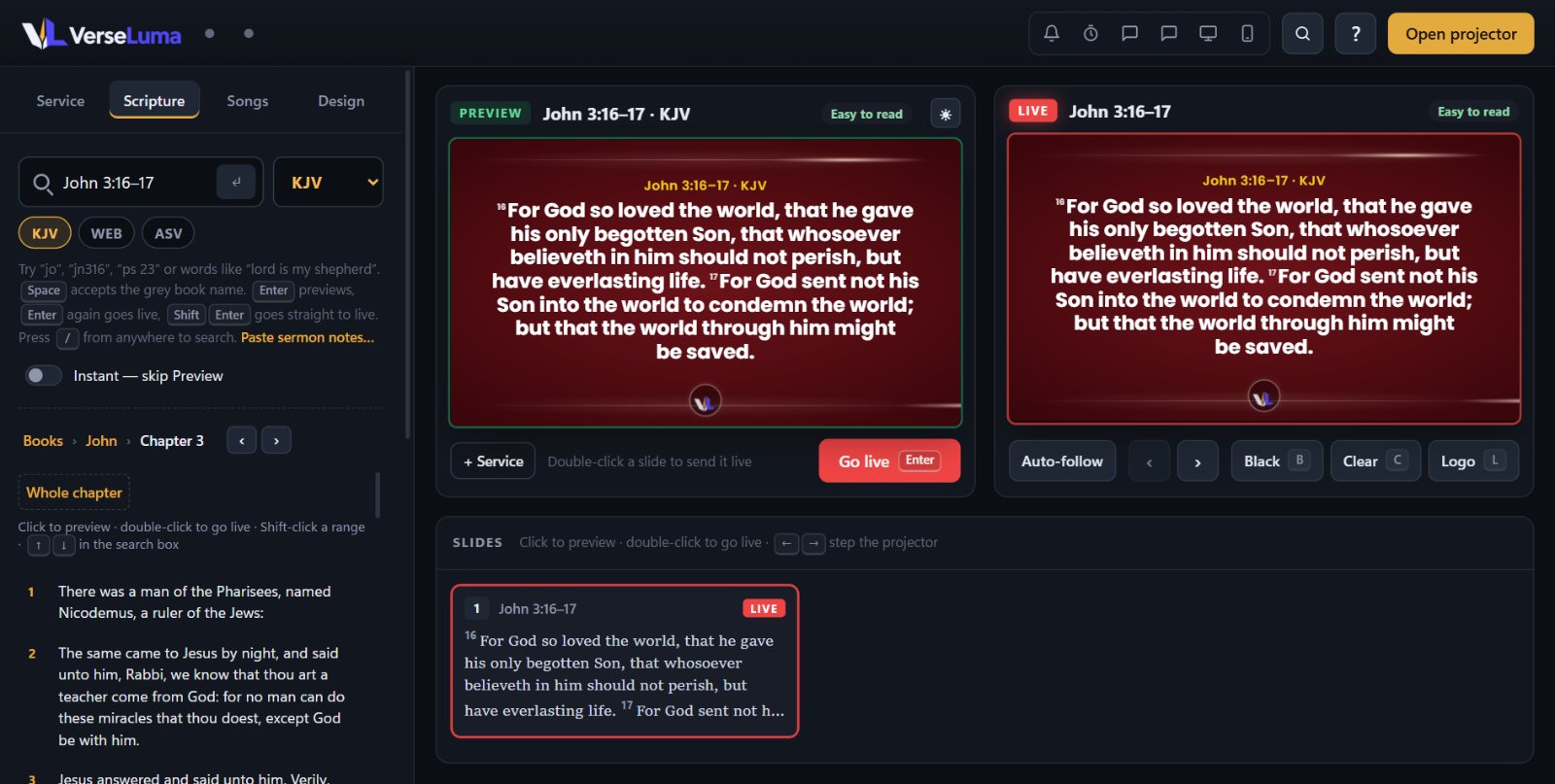
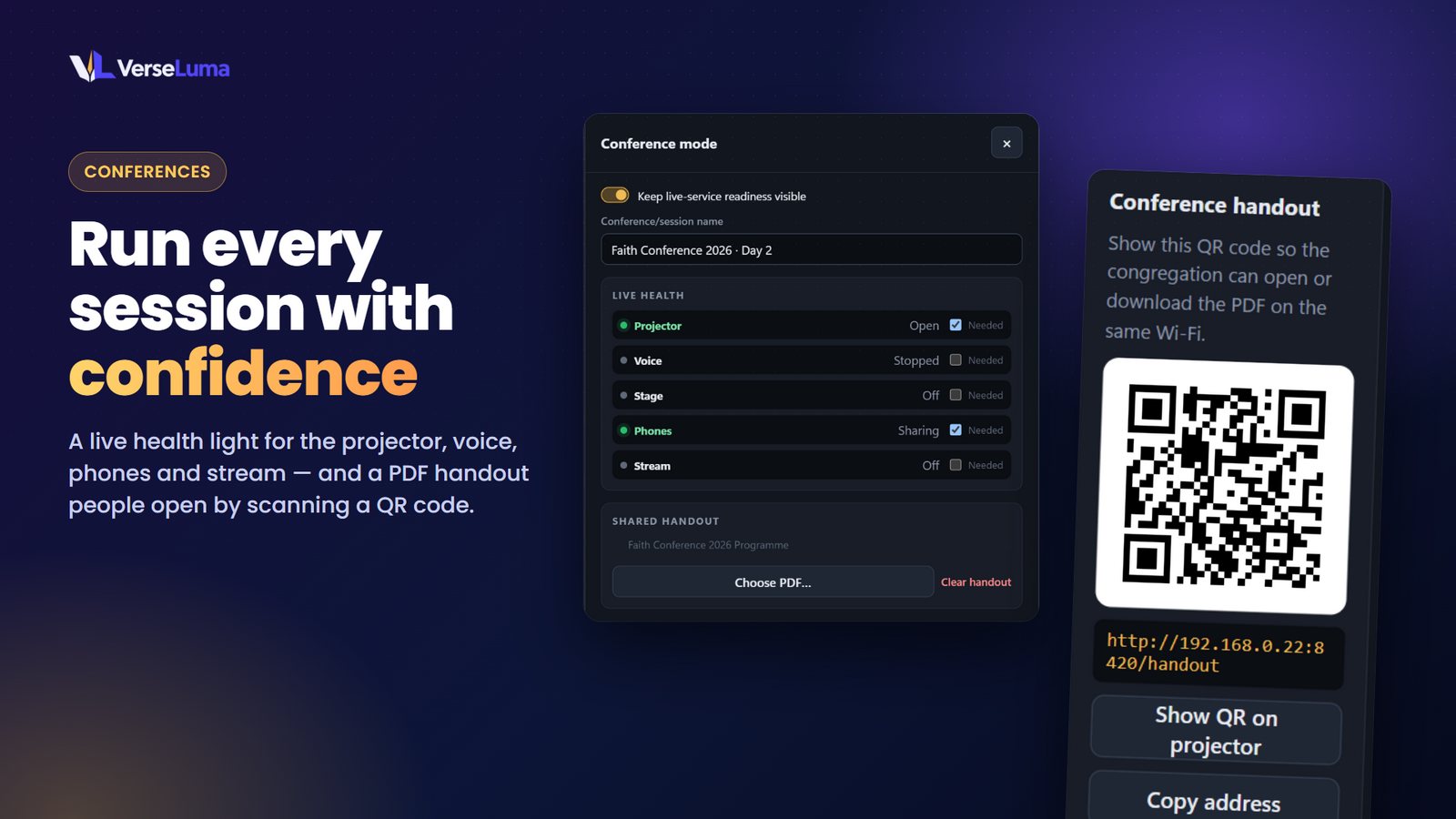
Made for Sundays — and conferences
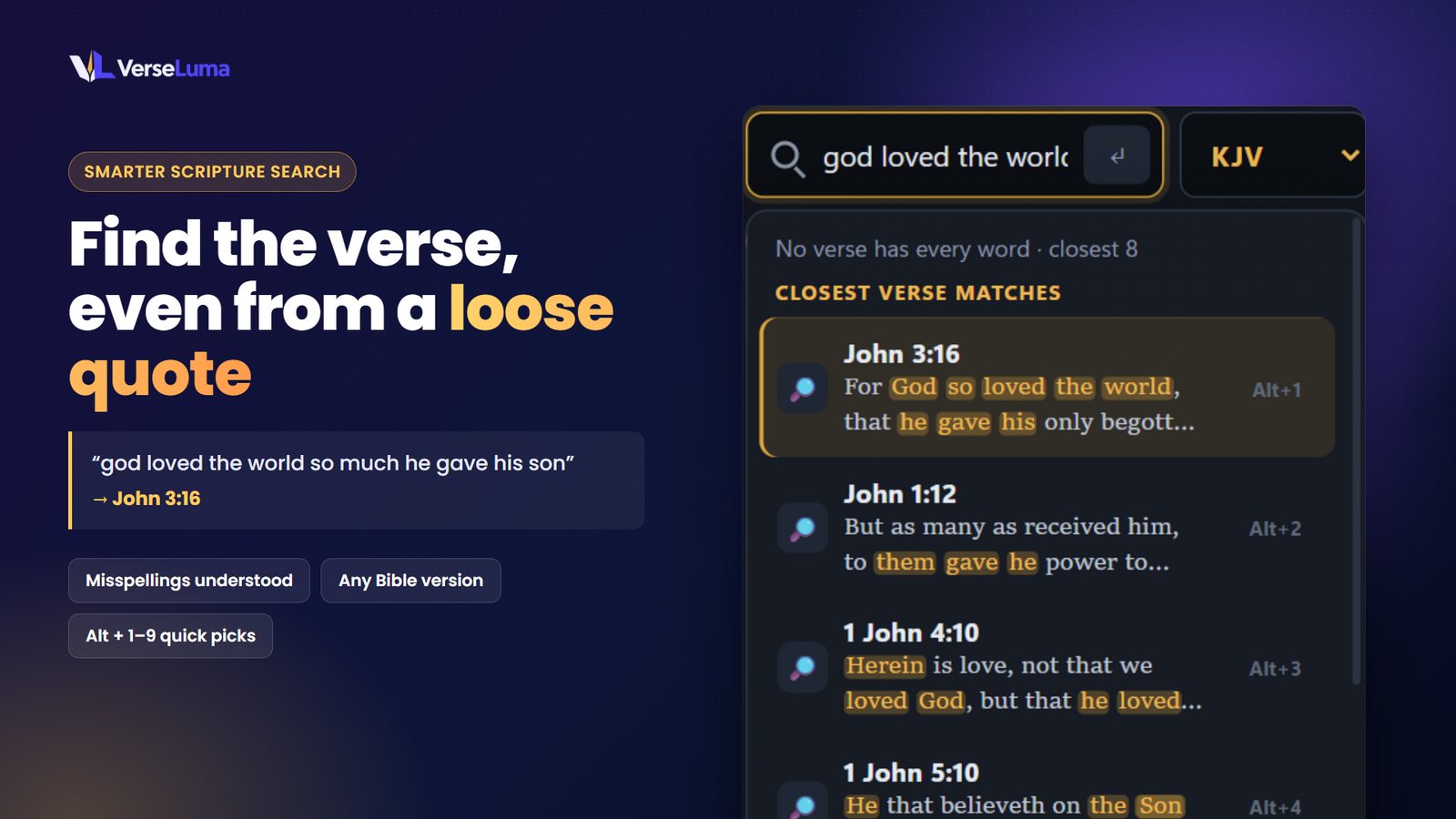
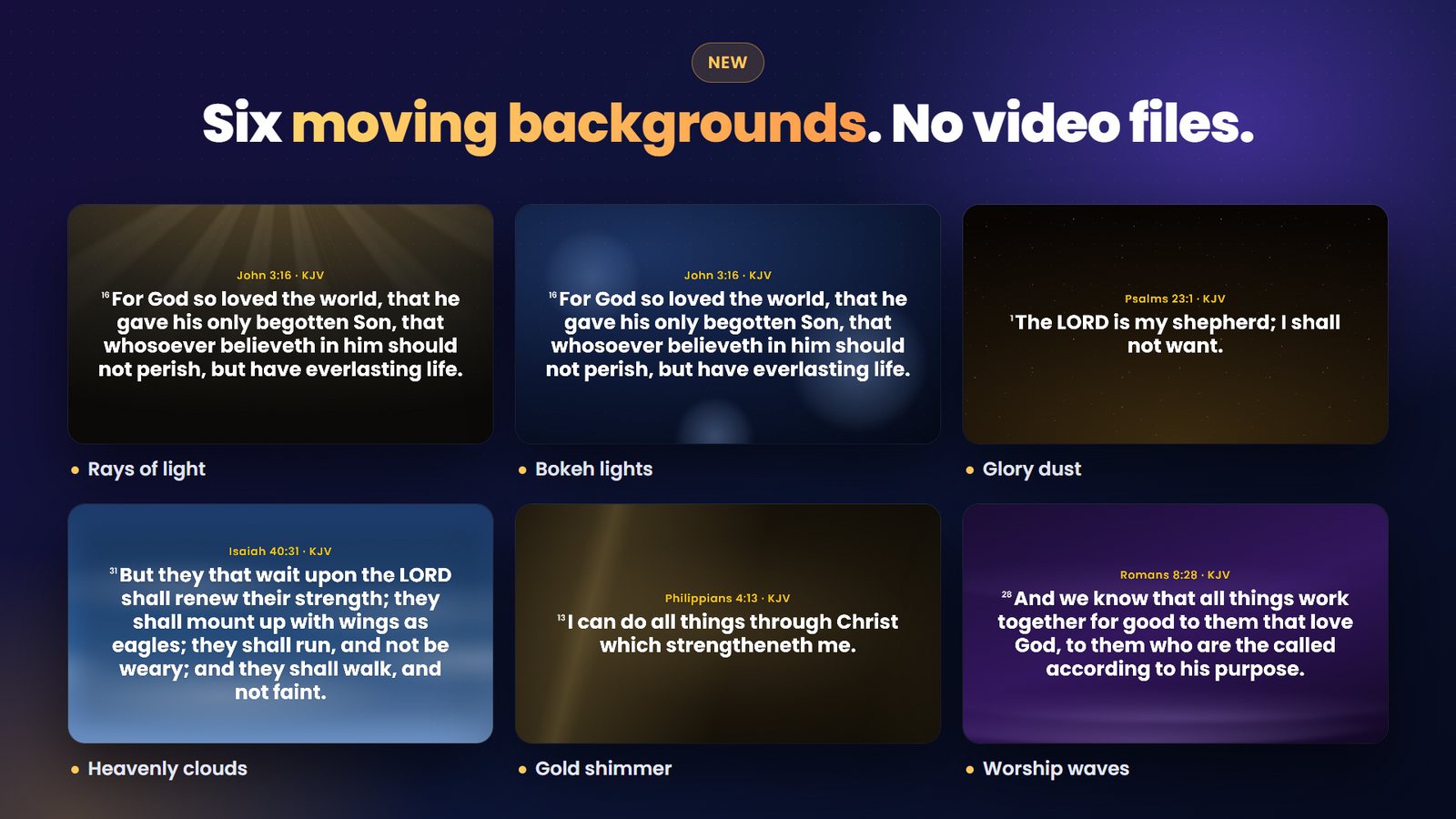
Smarter Scripture search, moving backgrounds, broadcast lower thirds, conference mode and slides on any screen. Free in the Microsoft Store.
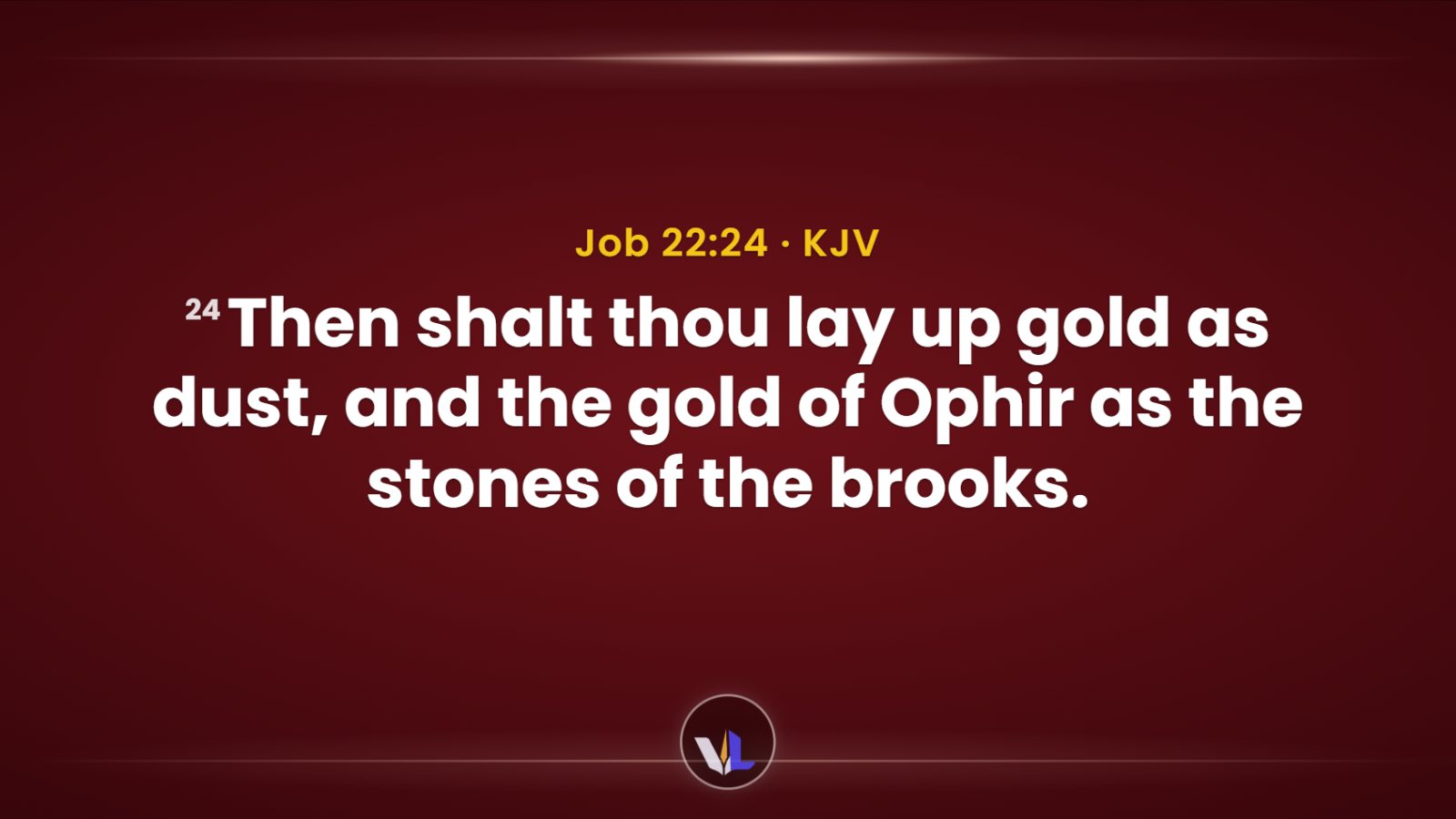
Beautiful by default
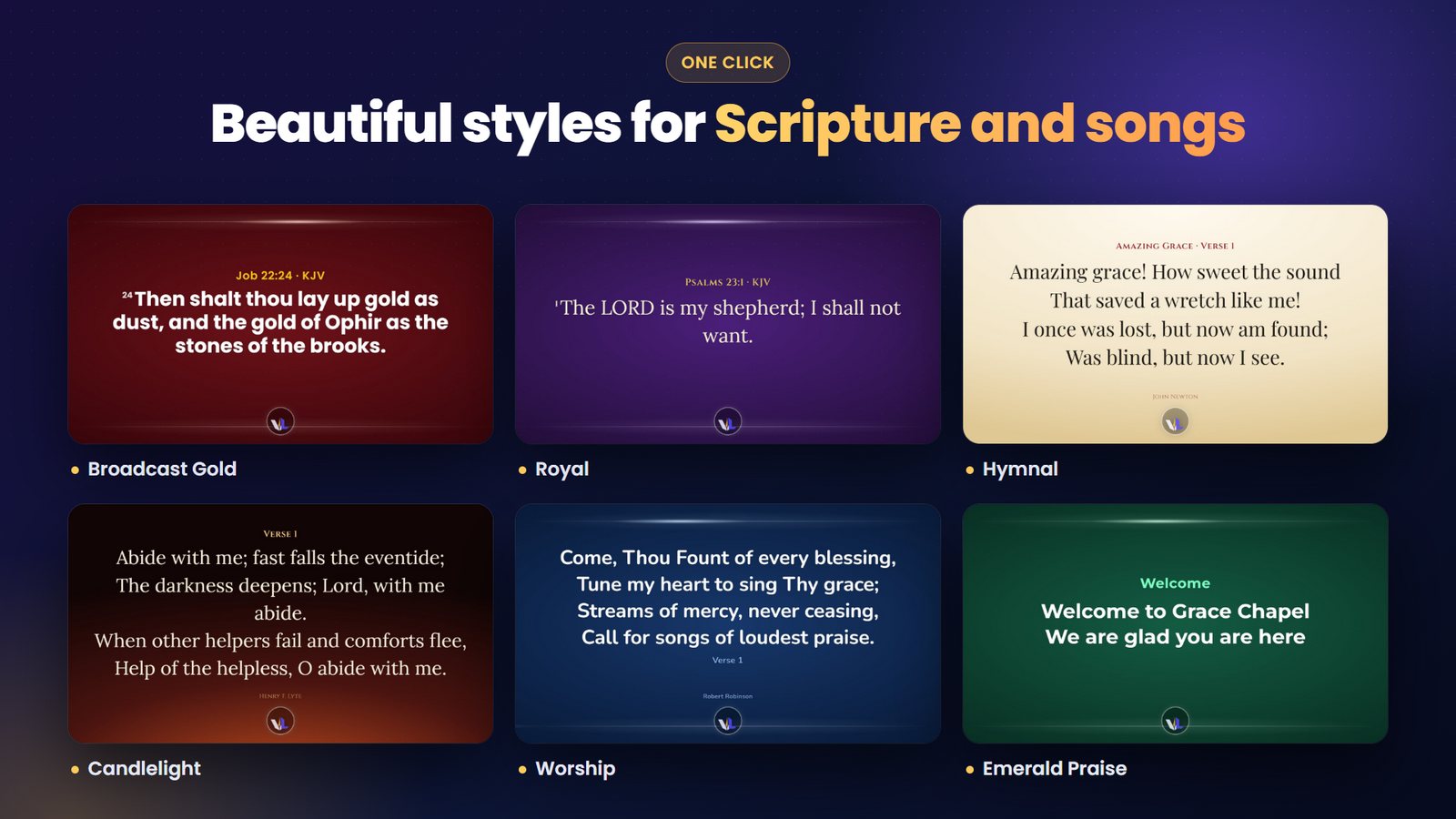
Seven ready-made styles — like Broadcast Gold above — dress Scripture, hymns, songs and announcements in one click — elegant fonts, animated frame backgrounds, your logo as an emblem, and words that rise gently into place.
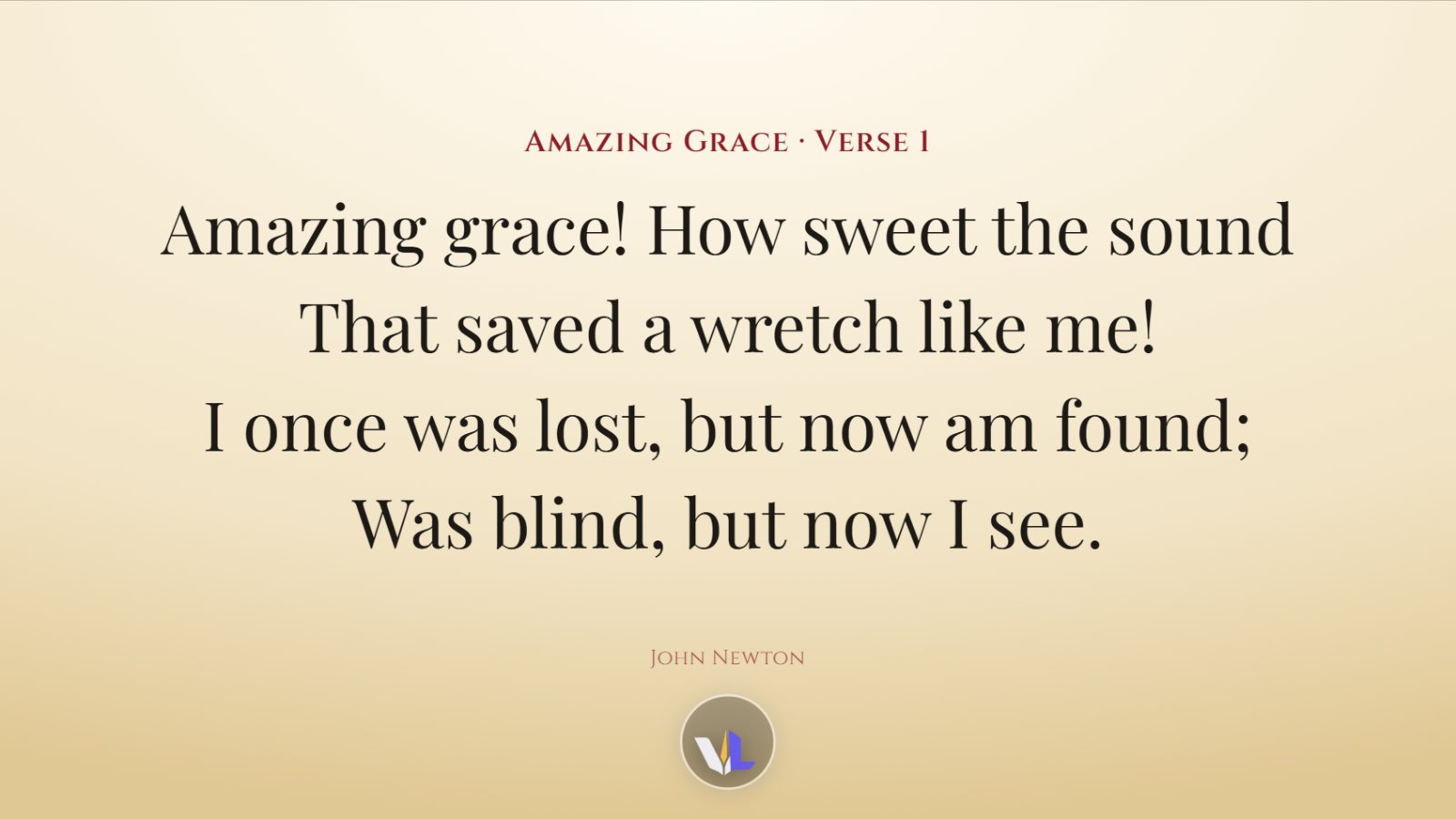
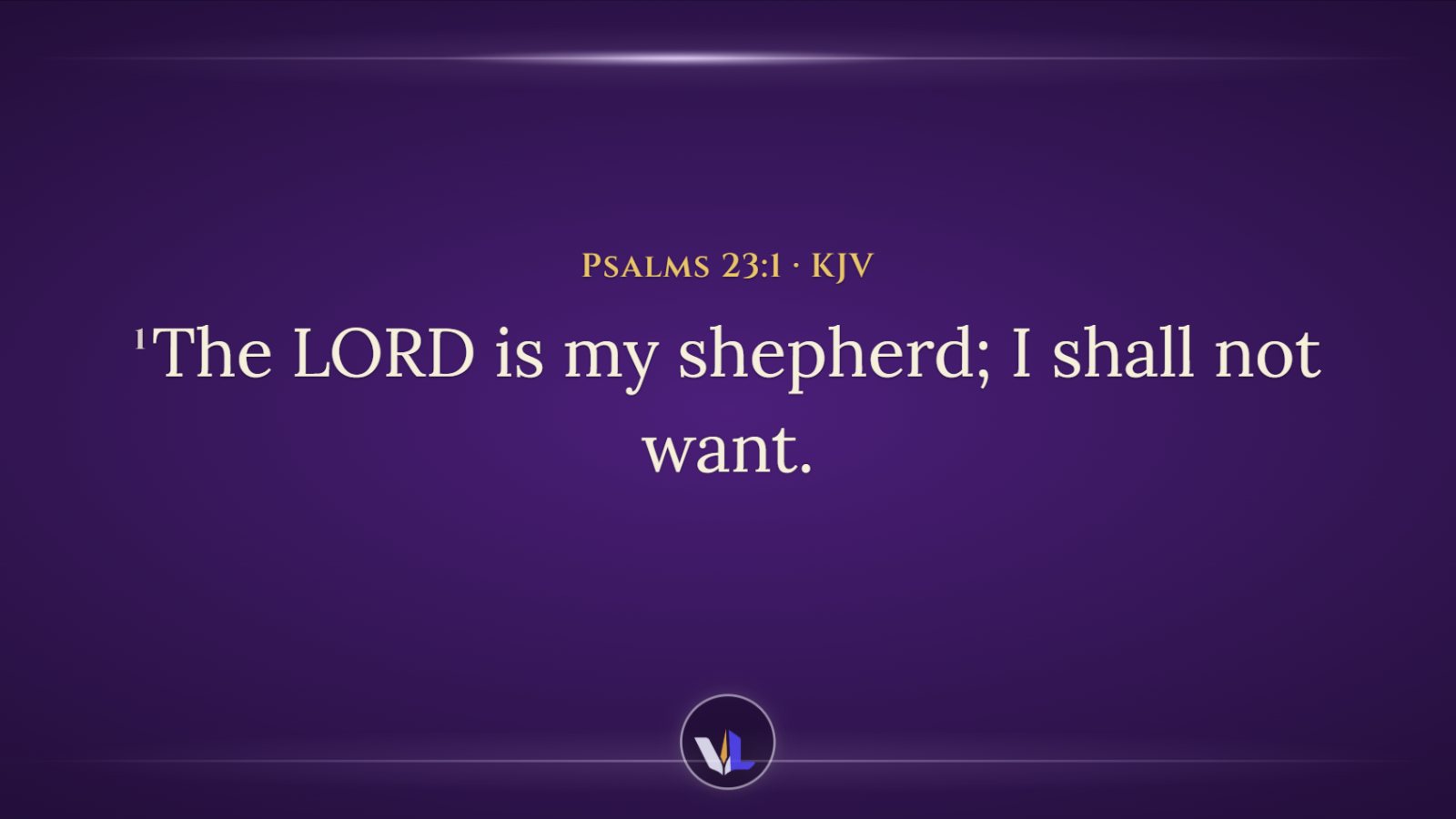
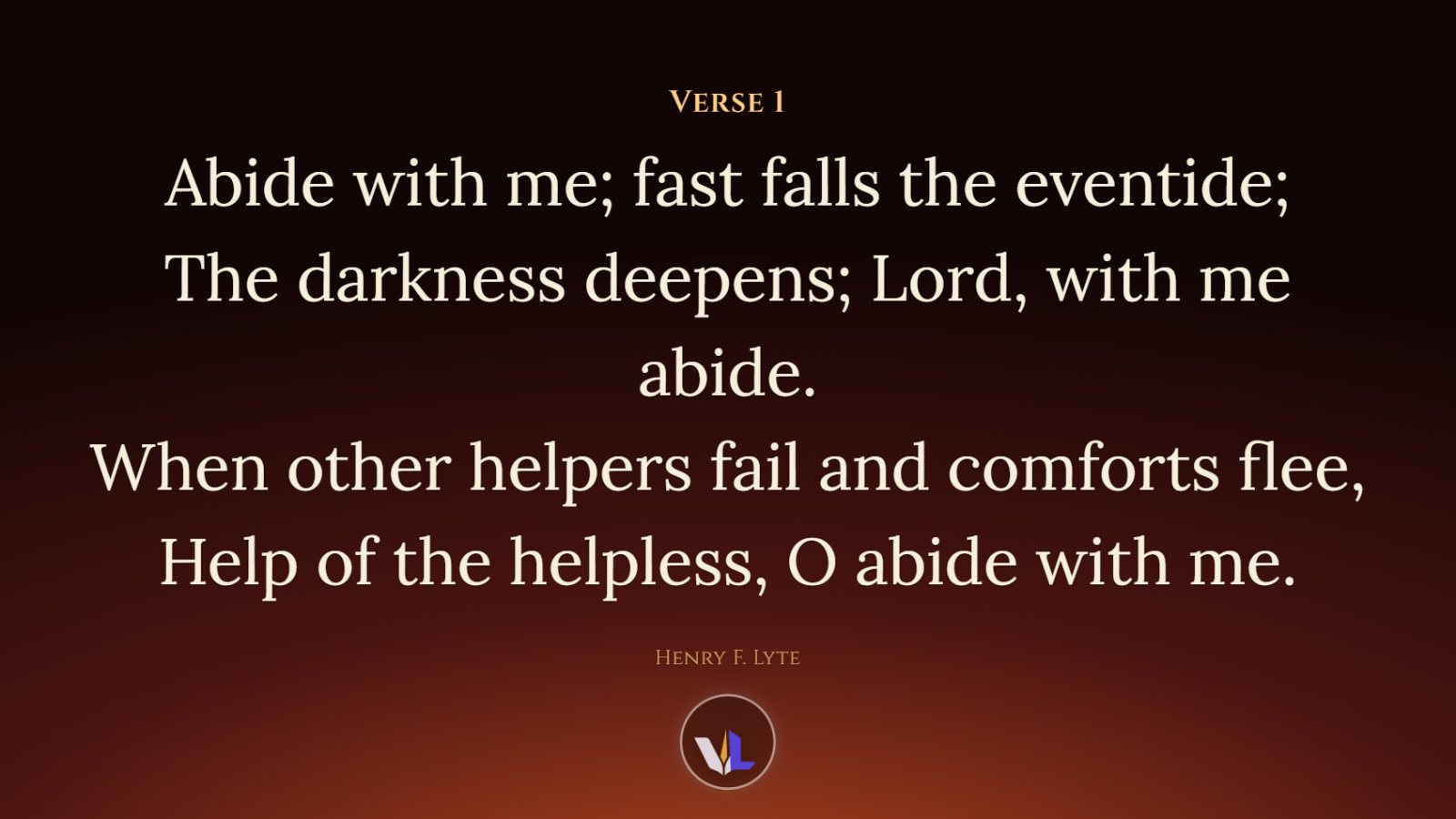
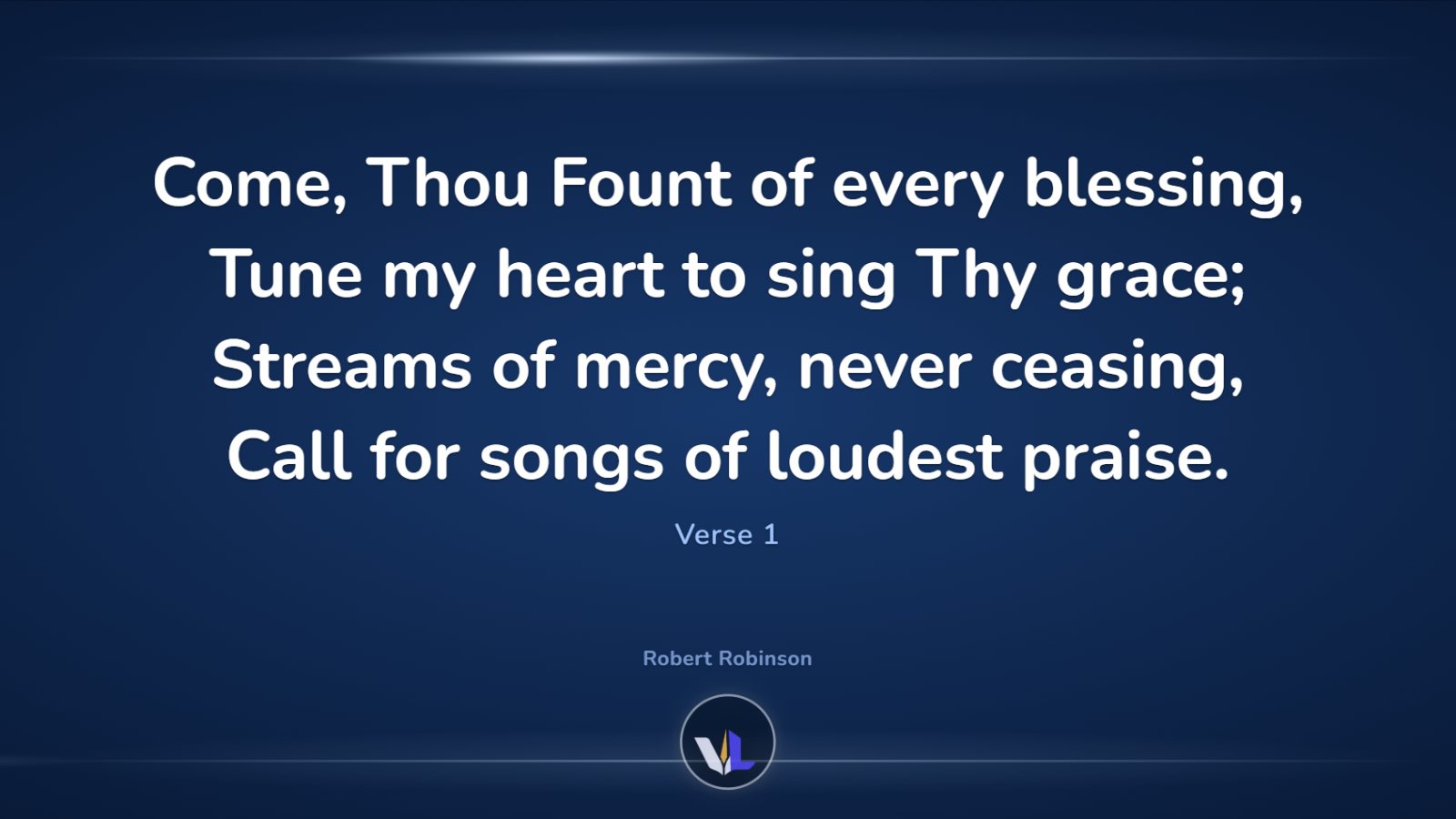
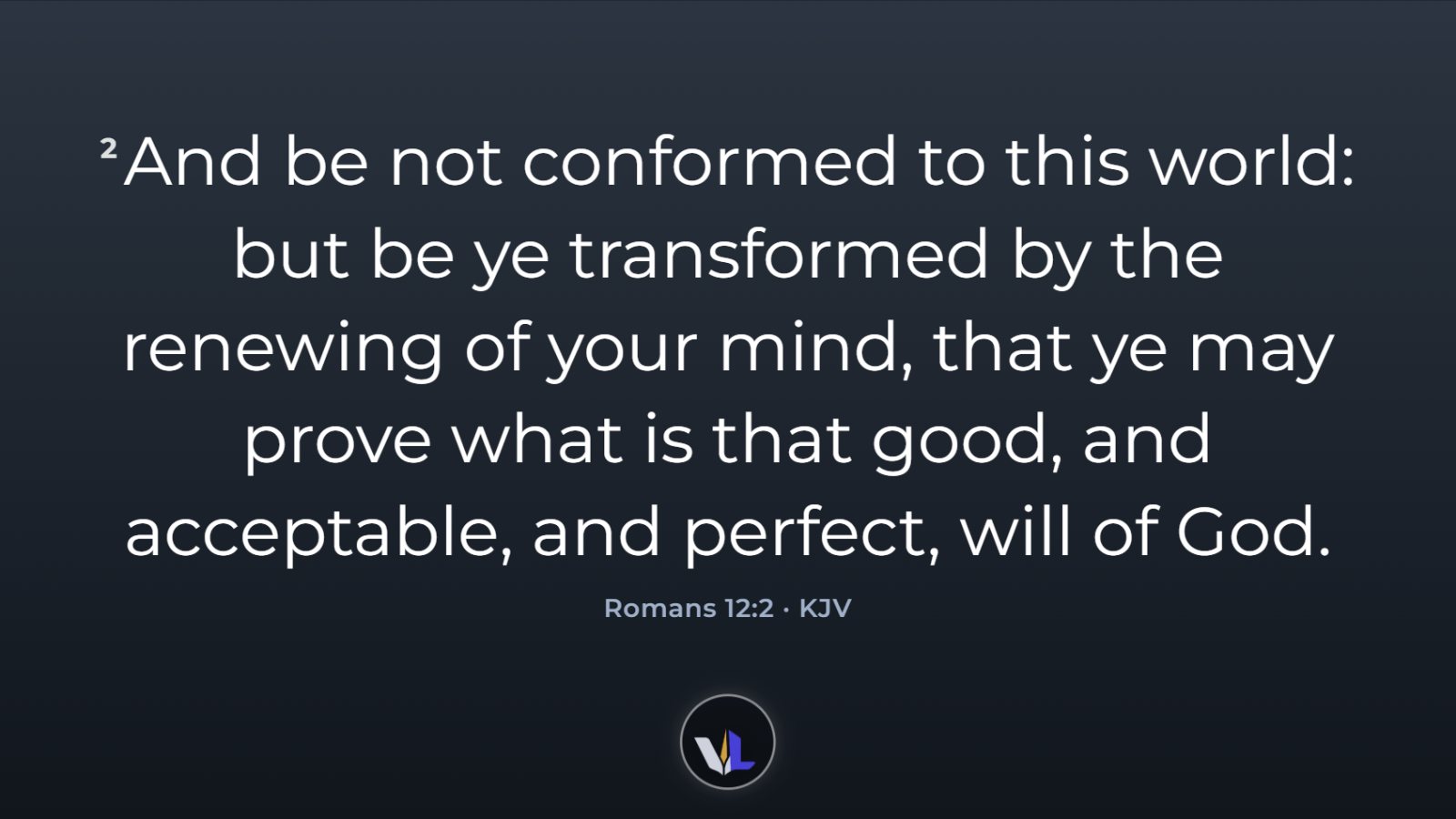
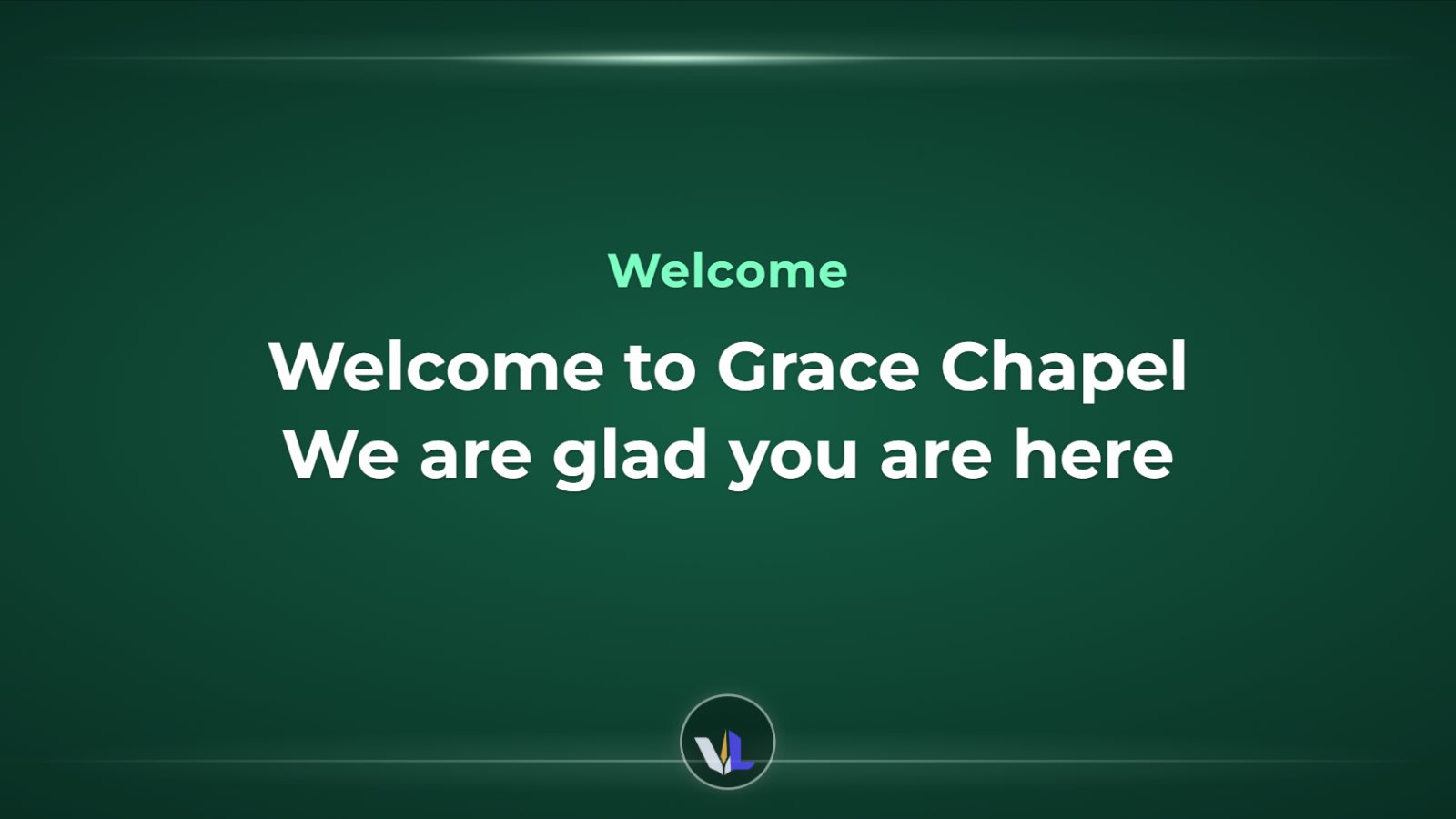
Every style can be fine-tuned and saved as your church's own Look. Seven beautiful fonts are included and work offline.
Everything the media desk needs, in one place
Built for real Sunday mornings: busy volunteers, a preacher who changes passages mid-sermon, and a livestream that has to look professional.
Find any passage in a heartbeat
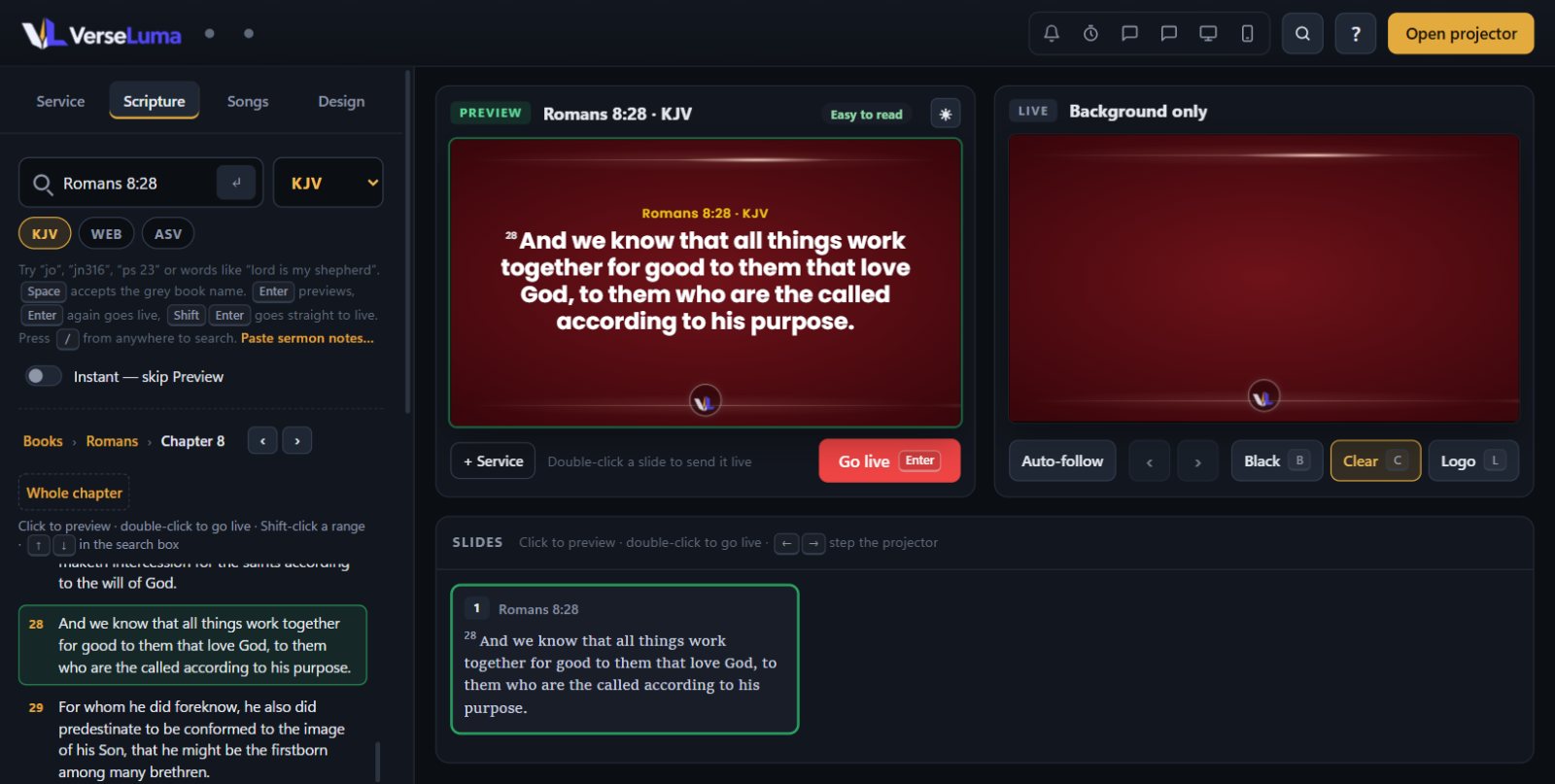
Say “Romans chapter eight, verse twenty-eight” and it is waiting on preview — or type it: book names complete as you type, and the whole chapter opens beside you so you can follow the preacher verse by verse with the arrow keys.
- Voice recognition runs on your computer — nothing leaves the building
- Type “joh” Space “3 16” — or “jn316”, “ps 23”, even “mathew 5 3”
- Instant mode, and Ctrl+Z to undo a slide sent by mistake
Songs your band will thank you for
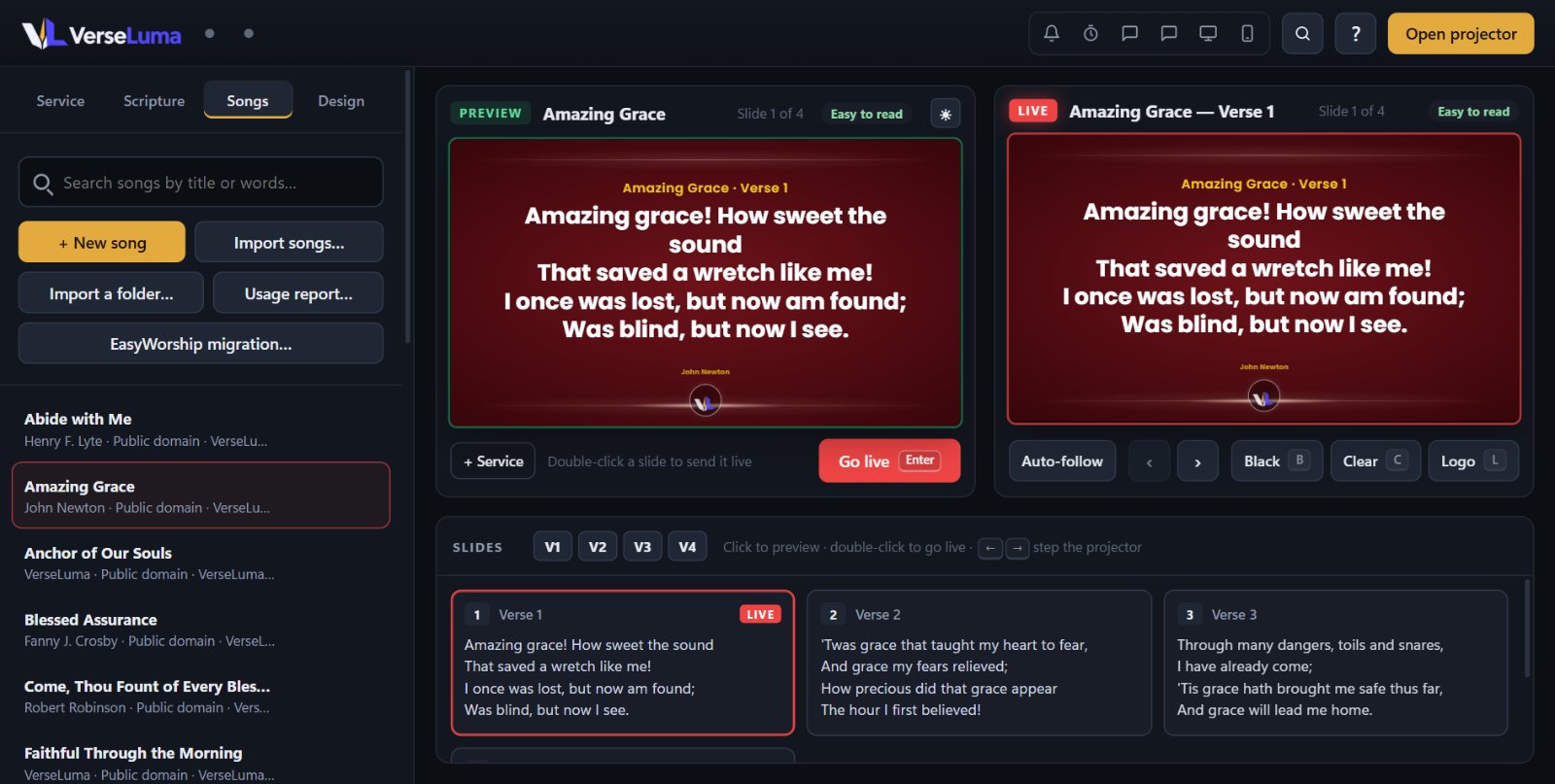
Jump to any verse, chorus or bridge with one key. Set the order for this Sunday, transpose the chords for the stage display, and print chord charts in the key the band is playing.
- Public-domain hymns included; import OpenLyrics, OpenLP and text
- Arrangements per service, section jumps 1–9 and 0 for the chorus
- CCLI song usage report for your licence
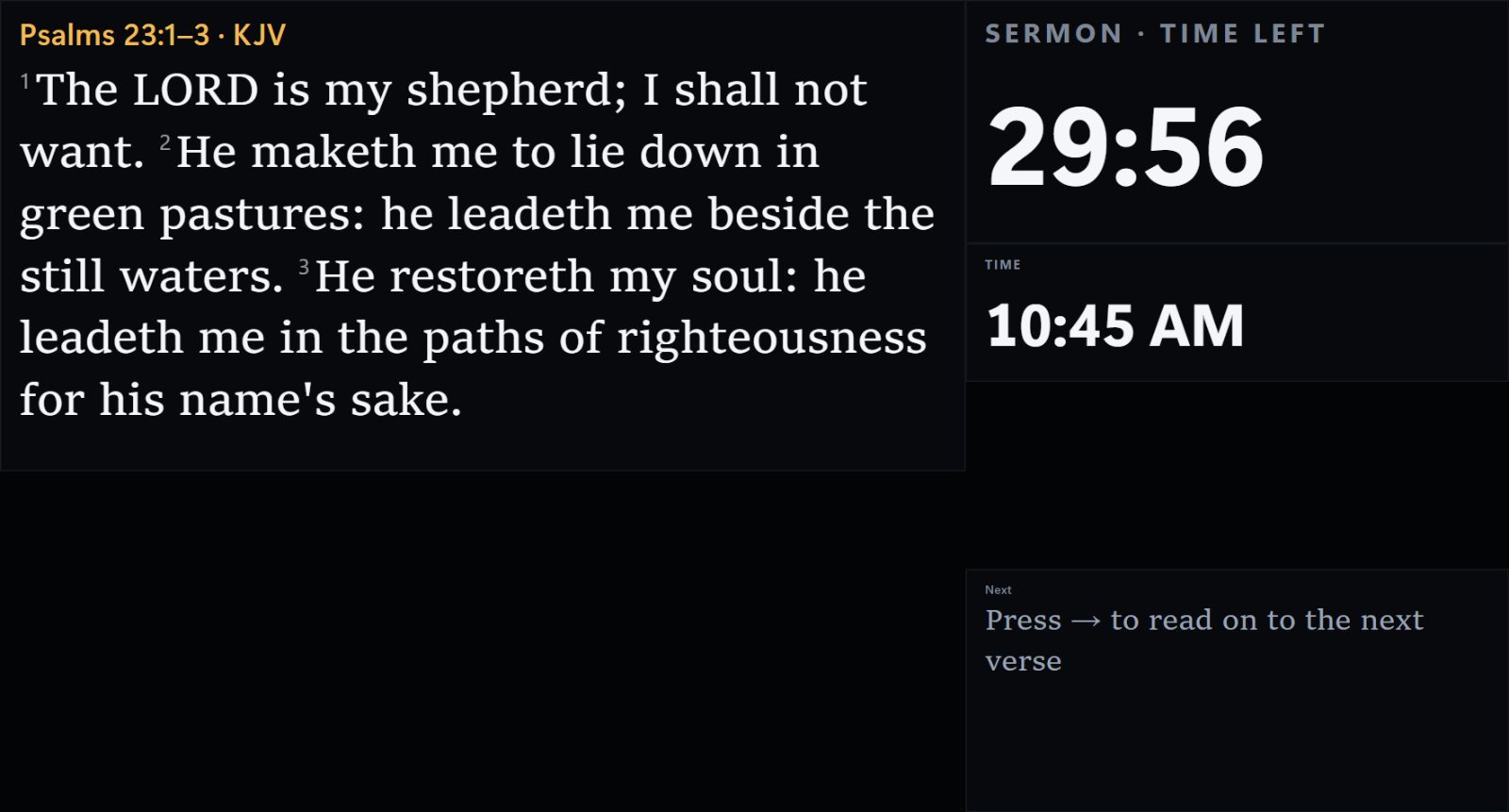
A stage display that keeps everyone on time
The preacher and singers see the live slide in large print, what comes next, the clock and a sermon timer — plus private notes and messages from the media desk that the congregation never sees.
- Layouts you can arrange by dragging
- Chords above the words for the band
- Send a quick message: “Wrap up in 5 minutes”
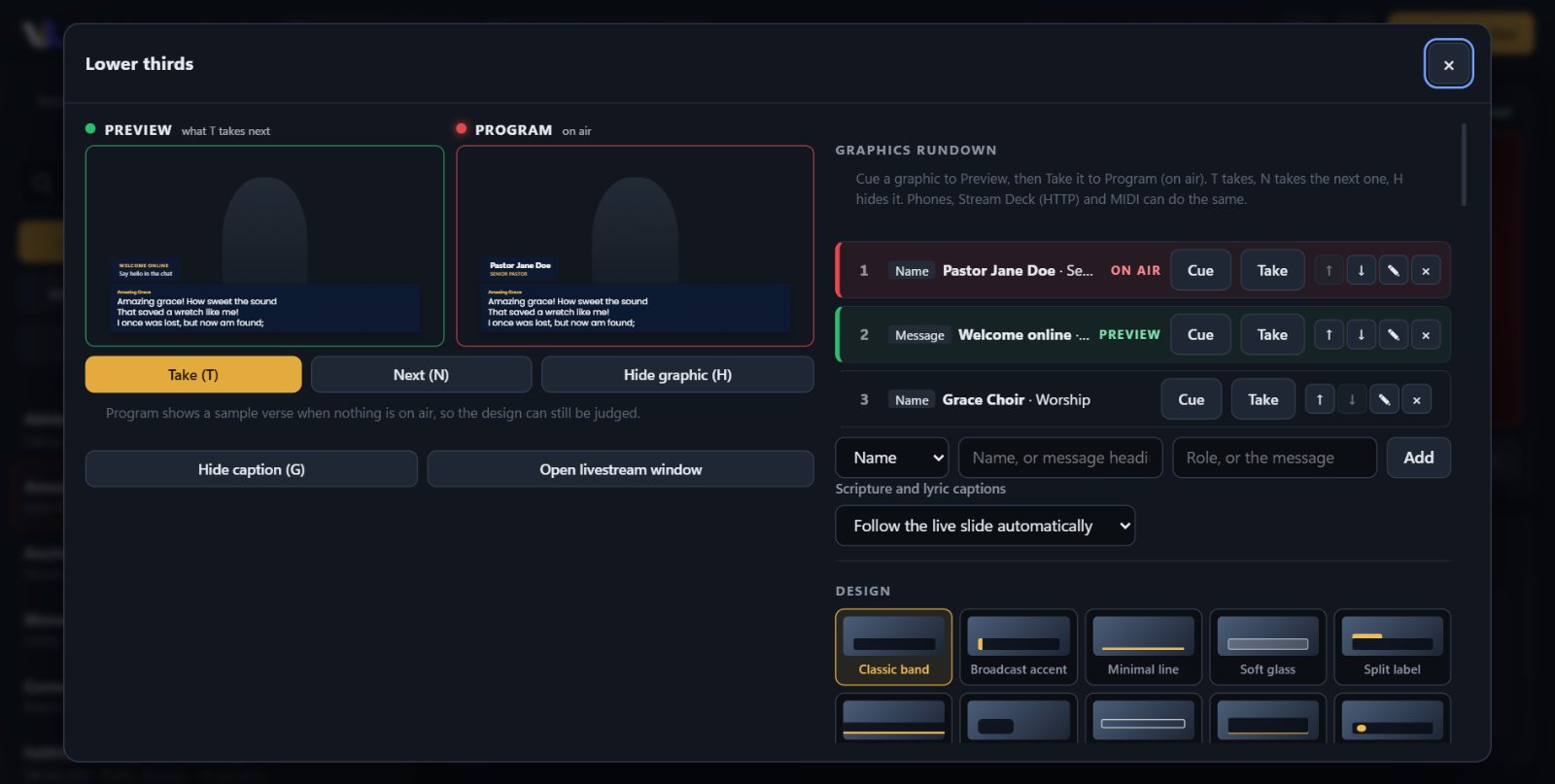
Livestream graphics like a TV studio
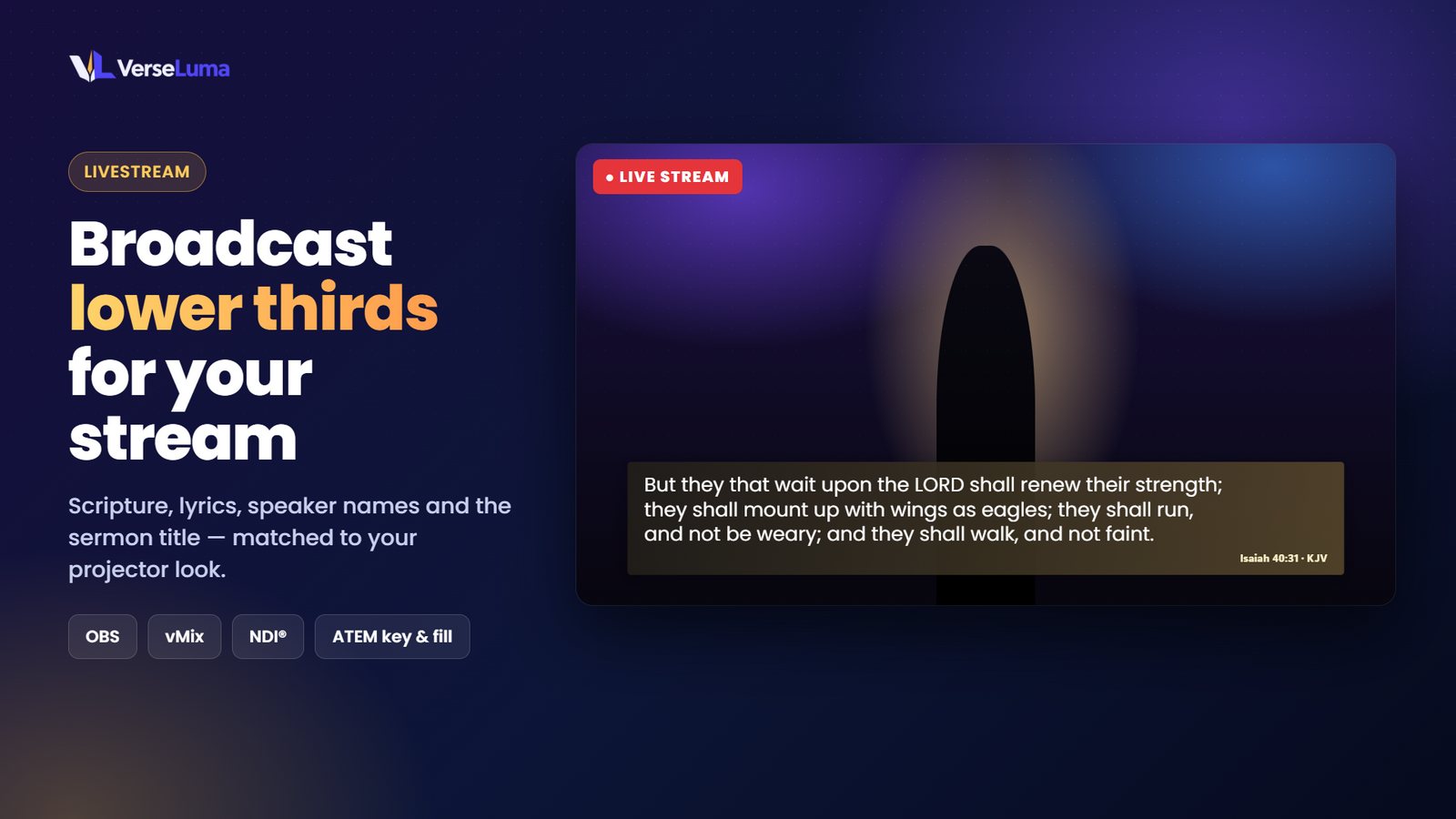
Lower thirds for Scripture and lyrics, name titles for speakers, and messages for people watching online — sent to OBS, vMix or your switcher.
Preview, Program and a rundown
Line up names and messages in running order, check them in Preview, then Take them on air with one key — or from a Stream Deck or MIDI pad.
- Ten designs, five themes and smooth staggered motion
- Native NDI output with real transparency — no chroma key
- Key and fill for ATEM and other hardware switchers
- Transparent Browser source for OBS and vMix
And everything else a Sunday needs
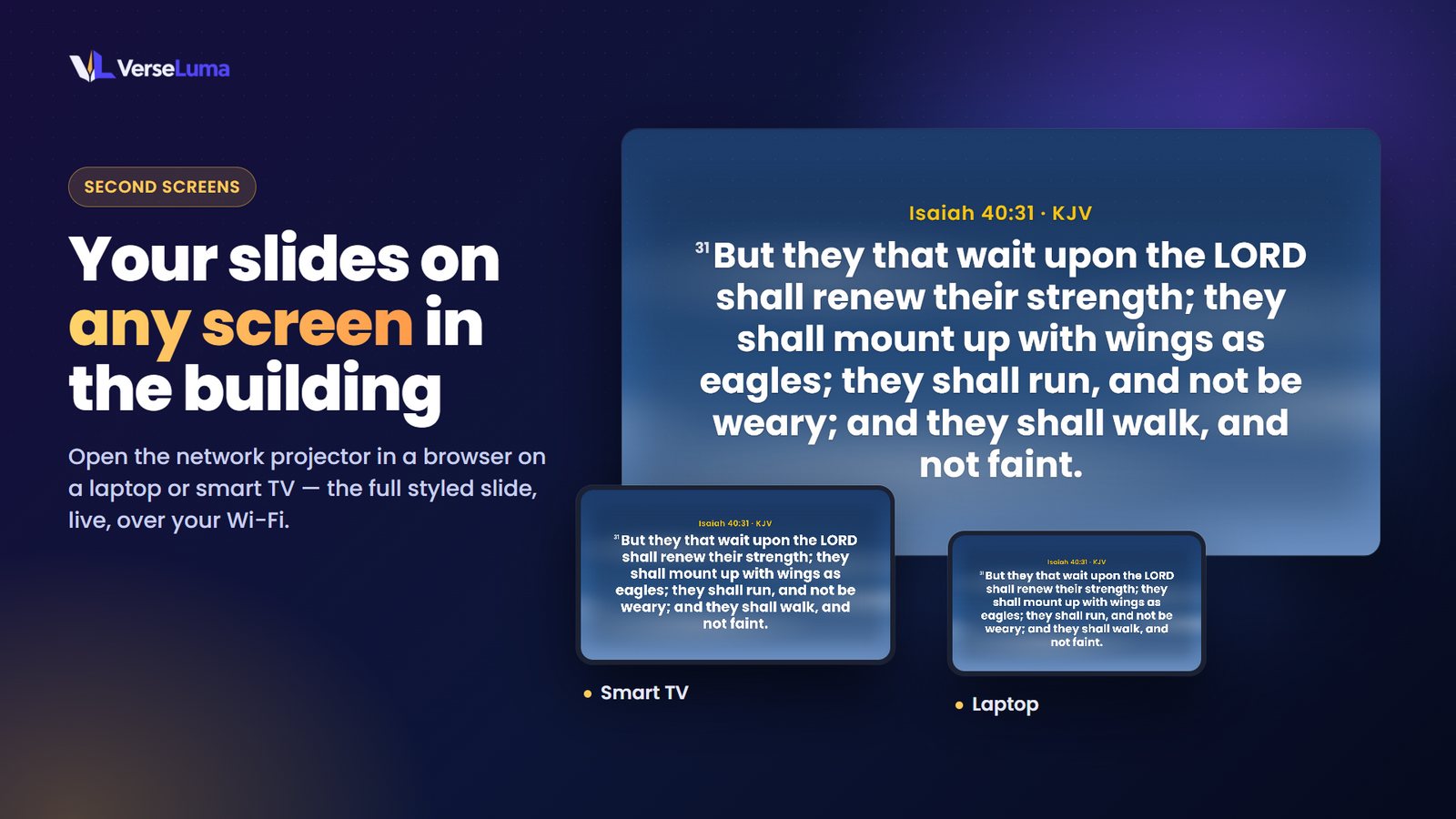
Connect slides with QR codes
Your YouTube, Instagram, Facebook, website and WhatsApp as scannable codes — saved once, used everywhere.
Phones follow along
The congregation reads the live passage on their phones, and an usher can change slides from a phone remote.
Sermon points
Reveal points one at a time, with fill-in-the-blank words that appear on the next press.
Pictures, videos, PowerPoint
Add media and presentations to the service; PowerPoint and PDF slides become pictures you can step through.
Countdowns and loops
A pre-service loop of announcements with a countdown to the start, and full-screen countdowns any time.
Print for the team
Run sheets, lyric sheets and chord charts, or save them as PDF to share.
Move in from EasyWorship
Bring songs, backgrounds and media across in minutes. Bible files from e-Sword, MySword and others too.
Safe on Sunday
Automatic recovery after a power cut, backups in one file, and a design that keeps text readable on any background.
Ready for Sunday in four steps
Install
Get VerseLuma from the Microsoft Store. It installs like any Windows app and updates itself.
Connect the projector
Plug in the projector, open VerseLuma and press Open projector. It finds the right screen.
Build the service
Add songs, passages, announcements and giving slides in running order.
Go live
Press Enter to send the preview live — or let VerseLuma listen and follow the preacher.
Register your church — get free backgrounds
Registering is free and takes a minute. Registered churches download our still and motion background packs straight away, and get new packs and extra public-domain Bible versions as we add them.
What churches say
Reviews from churches using VerseLuma.
No reviews yet. Is VerseLuma serving your church? Be the first to tell others.
Thank you! Your review will appear here once we have checked it.
Questions churches ask
Is VerseLuma free?
Yes. VerseLuma is free to download from the Microsoft Store, with no subscription and no locked features. Registering your church (also free) adds background packs and extra Bible versions. If VerseLuma blesses your ministry, you can support its development.
Does it need the internet?
No. Everything — including speech recognition — runs on your computer. The internet is only used to install and update the app.
Which Bible versions are included?
The King James Version, World English Bible and American Standard Version are included. You can import other versions your church is licensed to use from EasyWorship, e-Sword, MySword, MyBible, Zefania, OSIS and USFM files. Modern versions such as NIV and NKJV are copyrighted, so they cannot be included in the app.
Can we move from EasyWorship?
Yes. VerseLuma reads your EasyWorship profile without changing it and brings across songs, backgrounds and media. See Moving in and backups.
Does it work with OBS, vMix and an ATEM?
Yes — as a transparent Browser source, a keyed window, native NDI with transparency, or key and fill outputs for hardware switchers. See Livestream and lower thirds.
What computer do we need?
Any Windows 10 or 11 PC from the last few years. 8 GB of memory and a Core i5 or Ryzen 5 are comfortable for voice detection with a projector, stage display and livestream all running.
Bring the Word to the screen, effortlessly
Free for every church. Install it, plug in the projector and you are ready for Sunday.